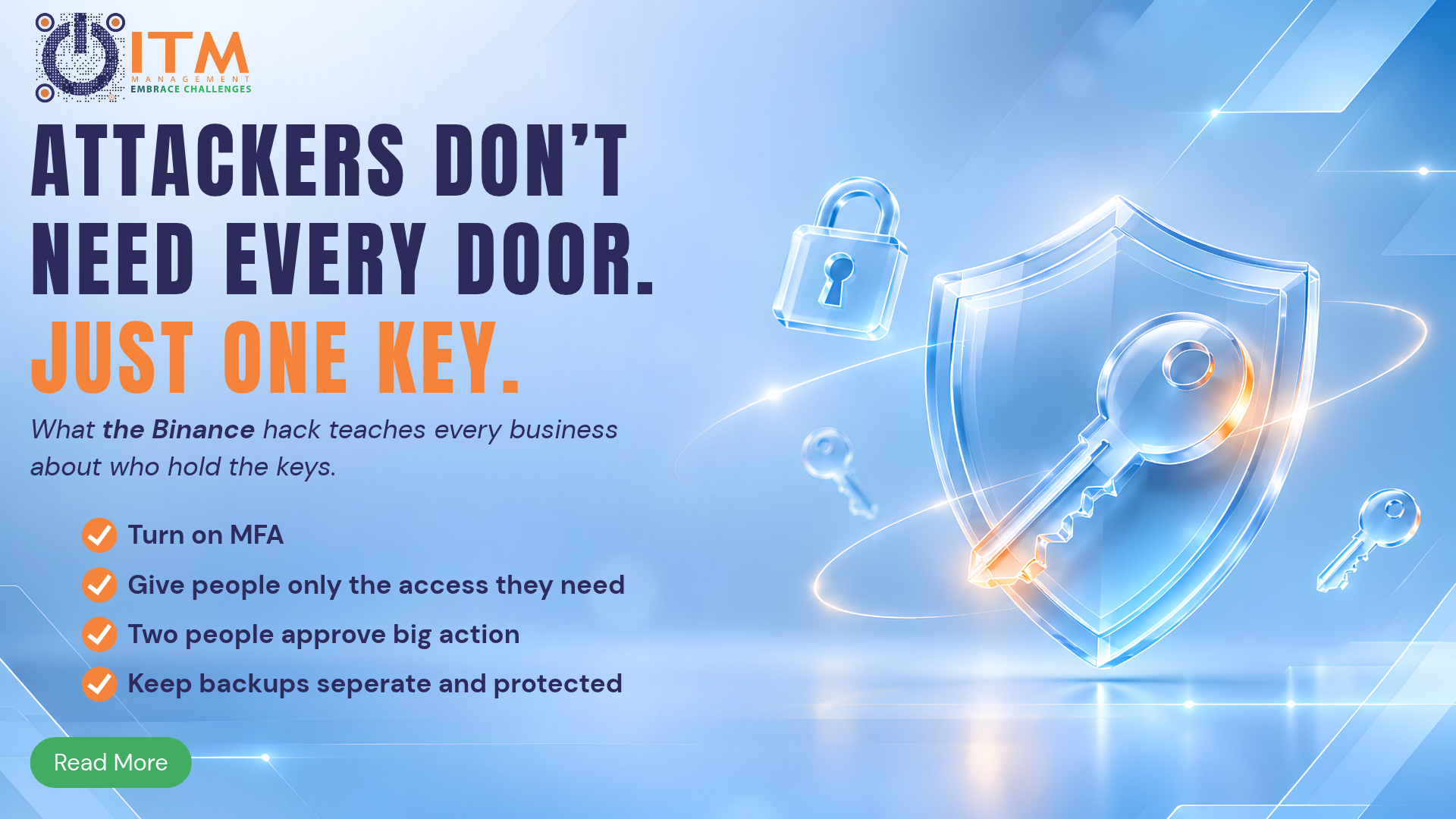

On 29 October 2026, the crypto exchange Binance was hit by what is reported to be the largest cryptocurrency theft ever, with about $6.3 billion taken. Binance has now released a preliminary report, and it shows that the attack did not start with a technical flaw. It started with a fake job interview.
The lesson applies to businesses of any size: attackers go after people first, and then after the accounts and systems with the most power.
What happened
According to Binance’s preliminary report, a software engineer was approached through a job-hunting platform by someone posing as a project director. The engineer went through two interviews. The first was a video call with a fake HR representative, who shared social media accounts with personal photos and videos to build trust. The second was a chat with someone posing as the CEO of the company, which was also fake.
At the end, the “CEO” sent a coding assignment and asked the engineer to run it. The engineer ran it on a work computer.
What the file did: it quietly replaced a normal development tool (pyenv) with a malicious version, connected to a server controlled by the attackers and hid its traces. Binance says its endpoint security tools did not immediately detect it.
What happened next: the report says the attackers used that computer, and an internal AI tool, to reach the computers of engineers who worked on wallet systems. There they found an access token that lets them start the theft on 29 October. The FBI has reportedly attributed the attack to TraderTraitor, a North Korean hacking group.
You do not need to understand cryptocurrency to see the pattern. One employee’s work computer became the way into one of the world’s biggest exchanges.
What is “powerful access”?
Every business has a few accounts and systems that can do far more damage than the rest. Typical examples are:
-
- IT administrator accounts that can change settings, add users and delete data
-
- The email accounts of the people who approve payments or change bank details
-
- Access to servers, a NAS and backups
-
- The cloud admin account for Microsoft 365, Google Workspace or similar services
If an attacker takes over one of these, they do not need to break into anything else.
Why attackers target it
Attackers look for the easiest path to the biggest result. A regular employee account gives them limited access. An admin account can let them read or copy files, switch off security tools, delete backups, create new accounts for later, or approve fraudulent payment.
These actions are also harder to notice, because they come from an account that is allowed to do them.
The Binance attack shows how this works in practice: the attackers started with one ordinary employee computer and worked their way towards the systems that control the money.
How to protect your most powerful access
A password alone can be guessed, stolen or reused from another breach. MFA adds a second proof, such as a code from an authenticator app or a security key. Start with admin, finance, and email accounts, and use an authenticator app or key instead of SMS codes where possible.
This is called least privilege. Staff should not use admin accounts for daily work, and access should match the role.
Payments, changes to bank details, and major system changes should be approved by a second person. It slows an attacker down and often stops a mistake.
Old accounts that nobody uses are easy to overlook, and easy to abuse.
Keep a short list of your admin accounts, who owns each one, and what it can reach. Review it every few months.
Logins at strange hours, new admin accounts and sudden permission changes are all warning signs. The sooner they are seen, the less damage is done.
Backups should have their own access, kept apart from your main admin accounts, so one stolen login cannot erase everything.
How to spot a fake job offer or a malicious file
The Binance attack came through a job platform and a chat app, but the same tricks are used in emails and messages every day. Common warning signs are:
-
- A familiar topic, such as an interview invitation, payroll, an invoice or a tender
- A request to download and run a “test file” or separate software for an interview
- A compressed attachment with the password written in the same message, which stops security systems from scanning it
- A link that looks like an official website but points somewhere else
Before opening anything, check four things:
-
- The sender’s address. Look for strange characters or fake domain names.
- The real link. On a computer, hover over the link without clicking and read the address in the lower left corner. On a phone, press and hold the link to preview it.
- The file type. Turn on “Show file extensions” in Windows, so you can tell a document (.pdf, .docx) from a program (.exe).
- A scan. Use virustotal.com for suspicious files or links, but never upload confidential company files.
And never run files from people you do not know on a work computer.
Technology and people both matter
Patching and MFA close the technical doors, but attackers also target people, with fake job offers, phishing emails, and scams. In the Binance attack, even the company’s endpoint tools did not immediately detect the malware. No single tool catches everything, so a strong approach combines supported systems, monitoring and endpoint detection and response (EDR), and employees who know how to recognize the warning signs.
How ITM can help
ITM supports businesses in Vietnam with IT infrastructure assessments and ongoing IT support. Protecting your most powerful access starts with knowing where it is, and we can help at every step:
-
- IT infrastructure assessment: We review who has access to what across your systems, including admin accounts, shared accounts, old accounts that are still active and devices reachable from the internet. You get a clear picture of where your biggest risks are and what to fix first
- MFA and access setup: We help you turn on multi-factor authentication across your business systems and accounts and set up access rules so people only reach what their role needs, in every department.
- Cloud and network security: We review your cloud accounts (such as Microsoft 365 or Google Workspace) and your network settings, so remote access is limited to what is necessary.
- Backup and disaster recovery: We set up backups that are stored separately from your main systems and protected with their own access. We also test them, so you know your data can be restored if something goes wrong.
- Monitoring and endpoint protection: With endpoint detection and response (EDR) and system monitoring, unusual activity on your devices, such as strange logins or permission changes, can be spotted and handled early.
- Security Awareness Training: We help your employees recognize phishing emails, fake login pages, fake job offers and suspicious files, which are among the most common ways attackers get in. Training also covers simple rules, like never running files from unknown people on a work computer.
You do not have to do everything at once. Many businesses start with an assessment and fix the highest risks first.
Not sure who holds the keys in your business? Talk to our IT experts, and we will help you find out.