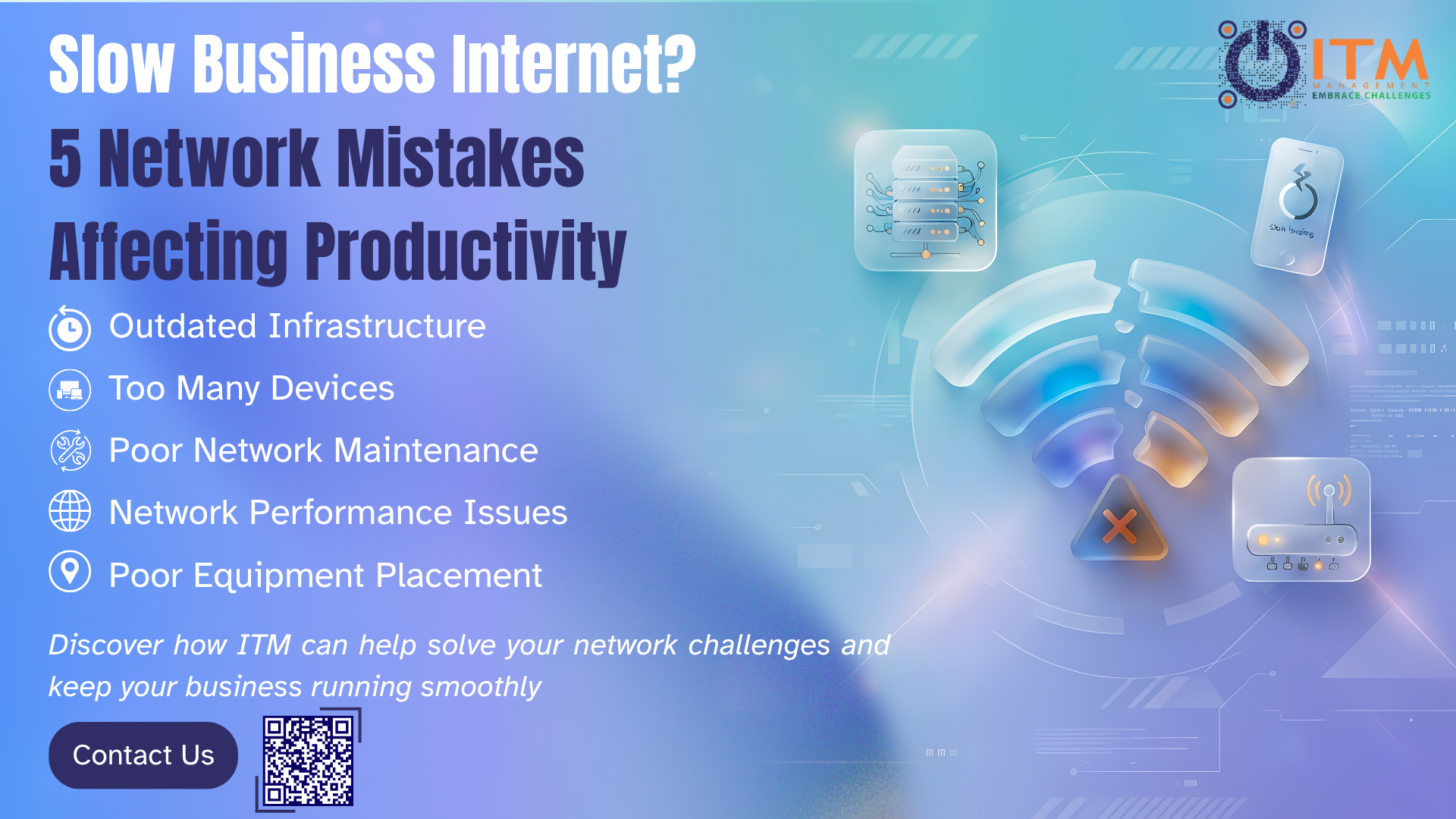

Many businesses invest in high-speed internet plans, expecting faster downloads, smoother video meetings and seamless access to cloud applications. Even with these investments, employees still experience lagging Microsoft Teams calls, unreliable Wi-Fi connection, slow file transfers, and frustrating delays when accessing business-critical systems.
When these issues happen, the first thought is often that the Internet Service Provider (ISP) is to blame. However, in many cases, the root of the problem often lies within the organization’s own network infrastructure.
A business network is much more than an internet connection. It consists of routers, switches, Wi-Fi access points, cabling, security appliances, cloud services, and the devices that employees use every day. If a part of this ecosystem is poorly configured, outdated, or overloaded, the performance may suffer regardless of how much bandwidth the company is paying for.
Understanding the most common networking mistakes can help organizations improve productivity, reduce downtime, and maximize the return on their technology investments.
One of the most overlooked causes of poor network performance is where the routers and Wi-Fi access points are placed.
Many offices position networking equipment wherever it is most convenient rather than where it performs the most optimal. Routers are commonly placed inside cabinets, behind furniture, installed in server rooms at the edge of the office, or surrounded by other electronic devices. While this can create a cleaner appearance, it can drastically reduce signal quality and coverage in the office.
Wi-Fi signals are affected by physical obstacles like walls, glass partitions, metal structures, and even office furniture. As signals travel through many barriers, they weaken, resulting in dead zones, inconsistent connection, and slower network speeds.
In a large office, a single access point may not be sufficient to provide reliable coverage. Employees located further from the source can experience unstable connection and slower speeds, especially during video conferences or when accessing cloud applications.
A properly designed wireless network should include strategic access point placement, coverage analysis, and performance testing to ensure every area of the office receives a strong and stable connection.
The modern workplace is more connected than ever before.
A typical employee can use a laptop, smartphone, wireless headset, cloud applications, and collaboration platforms simultaneously. Beyond employee devices, businesses often operate printers, surveillance cameras, meeting room systems, VoIP phones, and Internet of Things (IoT) devices.
While each device consumes a small part of bandwidth, together they can place a significant strain on the network. While dozens or even hundreds of devices are competing for resources, performance may deteriorate rapidly.
These issues become particularly apparent during:
- Large file transfers
- Cloud backups
- Software updates
- Video conferencing
- Remote desktop sessions
- Microsoft 365 and Google Workspace collaboration
Without proper traffic management and network segmentation, important business applications can be forced to compete with less important network activity.
Organizations should regularly review network usage patterns to identify bottlenecks and ensure that bandwidth is being allocated efficiently.
Technology evolves rapidly, but many businesses continue to operate with networking equipment that was installed years back.
While older routers, switches, and access points may still function, they often struggle to support the demands of current day business environments.
Today’s organisations heavily rely on:
-
- Cloud computing
- Hybrid work environments
- Video collaboration tools
- Real-time data synchronization
- Cybersecurity solutions
- Business applications hosted online
These technologies place far greater demands on network infrastructure that traditional office systems did just a few years back.
Outdated hardware creates hidden bottlenecks that limit performance, regardless of internet speed.
Common waring signs include:
-
- Frequent network interruptions
- Slow Wi-Fi performance
- Inability to support newer security standards
- Limited scalability
- Reduced compatibility with modern applications
Many organizations don’t realize that their infrastructure has become a limitation until productivity begins to suffer.
Regular IT assessments can help identify aging equipment and determine if upgrades are necessary to support business growth.
Businesses are often reactive when it comes to network management. If employees can access the internet and applications appear to function normally, little attention is given to ongoing maintenance.
Unfortunately, network issues rarely arise overnight.
Performance degradation typically develops gradually due to factors like:
-
- Configuration changes
- Firmware updates
- Hardware aging
- Increased network traffic
- Security vulnerabilities
- Device failures
Without proactive monitoring, these issues can go unnoticed for weeks or months at a time, before becoming serious enough to disrupt business operations.
Continuous monitoring provides visibility into network performance and allows IT teams to identify potential problems before they impact users.
Organizations that implement proactive monitoring often experience:
-
- Reduced downtime
- Faster issue resolution
- Improved security
- Better resource utilization
- Increased employee productivity
Rather than waiting for employees to report problems, businesses can identify and resolve these issues before they even affect daily operations.
Probably the most common mistake businesses make is assuming that slow performance can always be solved by purchasing a faster internet package.
Even though bandwidth is important, network performance depends on many other factors as well.
For example, an organization may have a high-speed fiber connection but still experience poor performance due to:
-
- Poor Wi-Fi coverage
- Network congestion
- Outdated hardware
- Improper configurations
- Security appliance bottlenecks
- Faulty cabling
Simply increasing bandwidth can provide temporary relief, but it almost never addresses the underlying issue. Many factors beyond internet speed itself can impact network performance and user experience.
A comprehensive network assessment is the most effective way to identify the true cause of performance problems.
Rather than guessing where the issue lies, businesses should re-evaluate the entire network environment, including things like infrastructure, devices, security configurations, and usage patterns.
Why Network Performance Matters More Than Ever
In today’s digital workplace, network reliability directly impacts business performance.
Employees depend on stable connectivity to collaborate, communicate, access data, and serve customers. Even insignificant disruptions can lead to:
-
- Lost productivity
- Delayed projects
- Frustrated employees
- Poor customer experiences
- Increased operational costs
As organizations continue to adopt cloud services, remote work solutions, and AI powered tools, the importance of reliable networks will only continue to increase.
A moder business network should not simply provide internet access – it should ensure secure, efficient, and scalable operations.
How ITM Can Help
Identifying the root cause of network performance issues requires expertise, visibility, and a well structure approach.
With more than 16 years of experience supporting businesses across Vietnam and internationally, ITM helps organisations to design, optimize, and manage reliable IT environments personalized to their operational needs. Through services like IT Audit & Consulting, Infrastructure Design & Implementation, Managed IT Services, and IT Supervision, ITM helps businesses improve their network performance, strengthen security, and reduce operational risks.
Whether your organization is experiencing slow Wi-Fi, network instability, infrastructure limitations, or simply want to prepare for future growth, a professional network assessment can uncover opportunities which ensure that your technology supports your business objectives.
Final Thoughts
A slow network does not always mean you need to increase your internet speed. In many cases, performance issues are caused by common but often forgotten mistakes withing the network.
By addressing equipment placements, device congestion, infrastructure limitations, monitoring practices, and overall network design, businesses can significantly improve performance and create a more productive working environment.
Your employees shouldn’t have to work around a slow network. Let ITM help you uncover what’s really affecting performance and build an IT infrastructure that supports productivity, collaboration, and growth.