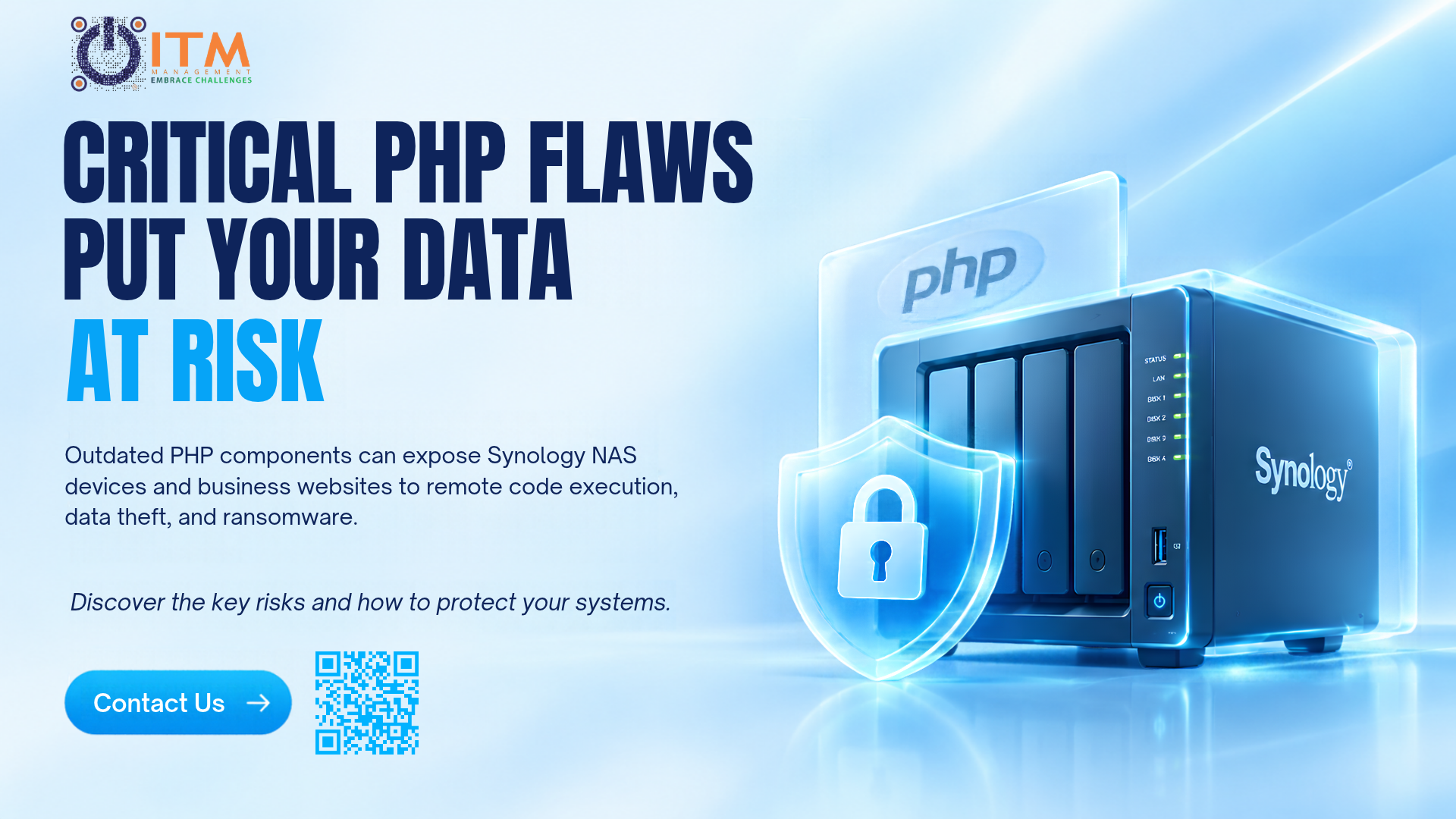

A recent security advisory from Synology is a reminder that old software does not stay quietly in the background. It stays open to attack. If your business uses a Synology NAS, or runs a website or application on PHP 8.1, this advisory is worth checking today.
What happened
PHP is a programming language that powers a large share of websites, web applications and internal business tools. Like any software, each PHP version is supported for a limited time. Once a version reaches end-of-life (EOL), the PHP project stops releasing security patches for it.
PHP 8.1 has now reached that point. In October 2026, an emergency PHP update fixed two critical vulnerabilities, CVE-2026-109618 and CVE-2026-109619, which carry a CVSS v4.0 score of 9.2 out of 10 (Synology rates them 9.8 on CVSS v3.1).
PHP 8.1 reached end of life on December 31, 2025, and no longer receives regular security releases from the PHP project. Although the PHP security team has published minimal source-level backports for PHP2Shell, these are not new official PHP 8.1 releases or automatic updates.
Synology’s Product Security Incident Response Team (PSIRT) has released a vendor-specific security update for its PHP 8.1 package on DSM. Synology has addressed the issue in its critical security advisory SA-26:14, known as “PHP2Shell.” The advisory lists Synology Calendar, Mail Station and PHP 7.3 to 8.4 packages as affected. Fixed versions are available for all of them except PHP 7.3, which has reached end-of-life and has no fix. Although Synology lists the advisory as resolved, a fix only protects a device once it is installed. Systems running vulnerable, unpatched versions of the affected PHP packages may be at risk of remote code execution. Users should install the relevant patched package version, and upgrading to a currently supported PHP branch remains advisable for long-term security.
What “Remote Code Execution” means
Both vulnerabilities can allow remote code execution (RCE). In simple terms, an attacker may be able to run their own commands on a system over the network, without needing physical access to it.
That is why RCE flaws are rated among the most serious. Once an attacker can run commands on a device, they can often read or copy files, install malicious software, encrypt data for ransom, or use the device as a stepping stone to reach other systems on the same network.
Why a NAS is an attractive target
A NAS (network-attached storage) device is often the place where a business keeps its shared folders, project files, accounting records and backups. It is usually switched on all the time, connected to the network, and sometimes reachable from the internet for remote access.
That combination makes it valuable to attackers. If a NAS also runs packages that depend on a PHP version with no available fix, such as PHP 7.3, it gives them a known weakness that will not be fixed. The risk does not stop at the device itself. A compromised NAS can put the backups, the files and the rest of the company network at risk.
Who is at risk
-
- Businesses still running PHP 7.3 on a NAS or web server, which has reached end-of-life and has no fix
- Companies running websites or applications on PHP 8.1
- Businesses running Synology NAS devices with affected PHP-dependent packages or applications that have not been updated to the relevant fixed versions.
- Organizations hosting websites or applications on vulnerable PHP builds, including unsupported PHP branches that do not receive security fixes from the PHP project.
- Businesses using legacy applications or plugins that cannot be upgraded to a supported and patched version.
- Organizations exposing affected web services or applications to untrusted networks, particularly the public internet.
- The actual risk depends on the installed software version, package configuration, network exposure and whether the relevant security updates have been applied.
- Teams that rely on older systems and have not reviewed their software versions in a while
- Organizations that keep devices reachable from the internet for remote access
What Businesses Should Do Now
-
- Review Synology’s official SA-26:14 advisory to identify affected packages and their fixed versions.
- Update the relevant PHP packages through Package Center and verify that dependent applications are also patched.
- Manually update Mail Station as required.
- For older DSM versions, follow Synology’s latest guidance on available security updates. If an immediate update is unavailable, temporarily disable affected packages to reduce exposure.
- Do not assume that updating DSM alone resolves every affected PHP package.
-
- Identify packages and applications that depend on outdated PHP versions.
- Verify whether patched packages are available
- Note that PHP 7.3 has no fix, so anything that depends on it needs to be replaced or migrated.
- If an application cannot run on a supported PHP branch, assess available vendor security updates, plan a migration, or disable the affected application if adequate protection is unavailable.
-
- Keep the NAS operating system, installed packages, and supported security tools up to date.
- Use strong administrator credentials, multi-factor authentication where supported, and appropriate access controls.
- Treat antivirus and other endpoint protection as additional safeguards, not substitutes for security patching.
-
- Review whether the NAS or affected applications are accessible from the public internet.
- Disable unnecessary external access, close unused ports, and restrict administrative access to trusted networks or VPN connections.
- If an affected package cannot be patched immediately, temporarily disable it or isolate the system until an appropriate fix is available.
-
- Create an inventory of servers, websites, applications, containers, testing environments, and less frequently monitored systems running PHP.
- Record the PHP versions, package dependencies, system owners, and exposure to external networks.
- Prioritize systems that have been overlooked or are no longer actively maintained.
-
- Install the appropriate security updates for each affected PHP environment.
- Note that the PHP project no longer provides regular security releases for branches that have reached end of life (EOL), including PHP 8.1 and earlier.
- Check whether vendors provide their own patched builds, as Synology has done for its PHP packages.
- Plan migration to a currently supported PHP branch for long-term security, and test compatibility before upgrading production applications.
-
- Enable a Web Application Firewall (WAF) for PHP-based websites and web applications, and keep its rules updated.
- Apply appropriate request-size and request-rate limits at the web server or proxy level.
- Review PHP memory limits and test configuration changes before deployment to avoid disrupting normal operations.
- Treat these measures as additional protection, not replacements for security patches.
-
- Monitor for unusual requests and system behavior, including:
- Unusually large requests or excessive request rates.
- Repeated out-of-memory errors or unexpected PHP process termination.
- Unfamiliar files appear on servers.
- Suspicious changes to user accounts or permissions.
- If compromise is suspected, isolate the affected system where appropriate, preserve logs and other evidence, and investigate before restoring normal operations.
- Monitor for unusual requests and system behavior, including:
-
- Keep backups separate from the systems they protect.
- Restrict access to backup repositories and protect backup credentials.
- Test restoration procedures regularly to verify that data can be recovered.
- Do not rely solely on backups stored on the same NAS, as they may also be affected if the device or administrator’s credentials are compromised.
How to check whether you are affected
Start with a simple inventory. Ask who manages your NAS, your website and any internal tools built on PHP. Then check the following:
-
- Which version of DSM is installed on each Synology device
- Which packages are installed, and which PHP version they use
- Which PHP version your website, web applications and plugins run on
- Whether any of these systems can be reached from outside the company network
If nobody can answer these questions quickly, that is itself a finding. Systems that nobody owns are often the ones that are never updated.
The bigger lesson: Unsupported software is an open door
This is not only a Synology issue. Any software that no longer receives security updates becomes a growing risk over time. Attackers know this, and they look for unsupported systems on purpose, because the weaknesses are public and there will be no official fix to stop them.
Many businesses keep older systems running because “they still work.” But a system that works is not the same as a system that is safe. A few habits make a real difference:
-
- Keep a list of the software and devices you run, with the version and the date each one reaches end-of-life.
- Plan upgrades before the deadline, not after a warning appears.
- Review who can reach your systems from the internet, and close what is not needed.
- Make updates part of a routine instead of something done only when a problem is announced,
- Keep reliable, tested backups, stored separately from the systems they protect.
None of these steps are complicated, but together they make a business much harder to attack. This is the same idea behind this year’s Cybersecurity Awareness Month message: don’t make it easy for them.
Technology and people both matter
Patching closes the technical door, but attackers do not rely on technical flaws. They also target people, with phishing emails and scams. A strong approach combines both: keeping systems supported and updated, and making sure employees know how to recognize the warning signs. Tools such as endpoint detections and response (EDR) can also help spot suspicious activity on devices if something slips through.
How ITM can help
ITM supports businesses with IT infrastructure assessments and ongoing IT support. We can help you:
-
- Check which of your systems and devices are affected
- Plan and carry out updates and upgrades with minimal disruption
- Review your wider environment for other unsupported software
- Strengthen your protection with endpoint security and employee awareness training
Not sure whether your NAS or website is affected? Talk to our IT experts, and we will help you check.